Getting in
Onboarding
A brand-new account is asked for one thing before it can go anywhere: a display name. This is the whole of it — where the form appears, what it will and will not accept, what submitting writes, and what happens to someone who walks away half way through.
At a glance
- One screen, two fields. A display name, and an optional profile photo. There is no second step and no progress bar, because there is nothing to progress through.
- It is not offered, it is imposed. Every page that needs an account redirects a new member here until it is done.
- Only the name is required. The photo can be skipped, and skipping it costs nothing that cannot be added later.
- Nothing is saved until Continue. Abandon the form and the account is exactly as it was — which means the next page you open puts you straight back on it.
- It happens once. Once finished the form cannot be re-opened; the same two things are edited in Profile from then on.
Where it appears
Nobody navigates to onboarding. It is a redirect. Every page that needs an account — which is all of them bar the landing page, sign-in, the unsubscribe link and this form itself — sits behind one guard, and that guard checks two things in order: are you signed in, and have you onboarded. Fail the first and you go to sign-in. Fail the second and you land here, whatever you were actually trying to open.
The address you were heading for rides along in the URL, which is what lets Continue put you back on it afterwards. It is the same guard in the other direction: a member who has onboarded and opens /onboarding is sent to the dashboard instead, so there is no way back into the form.
What you are asked for
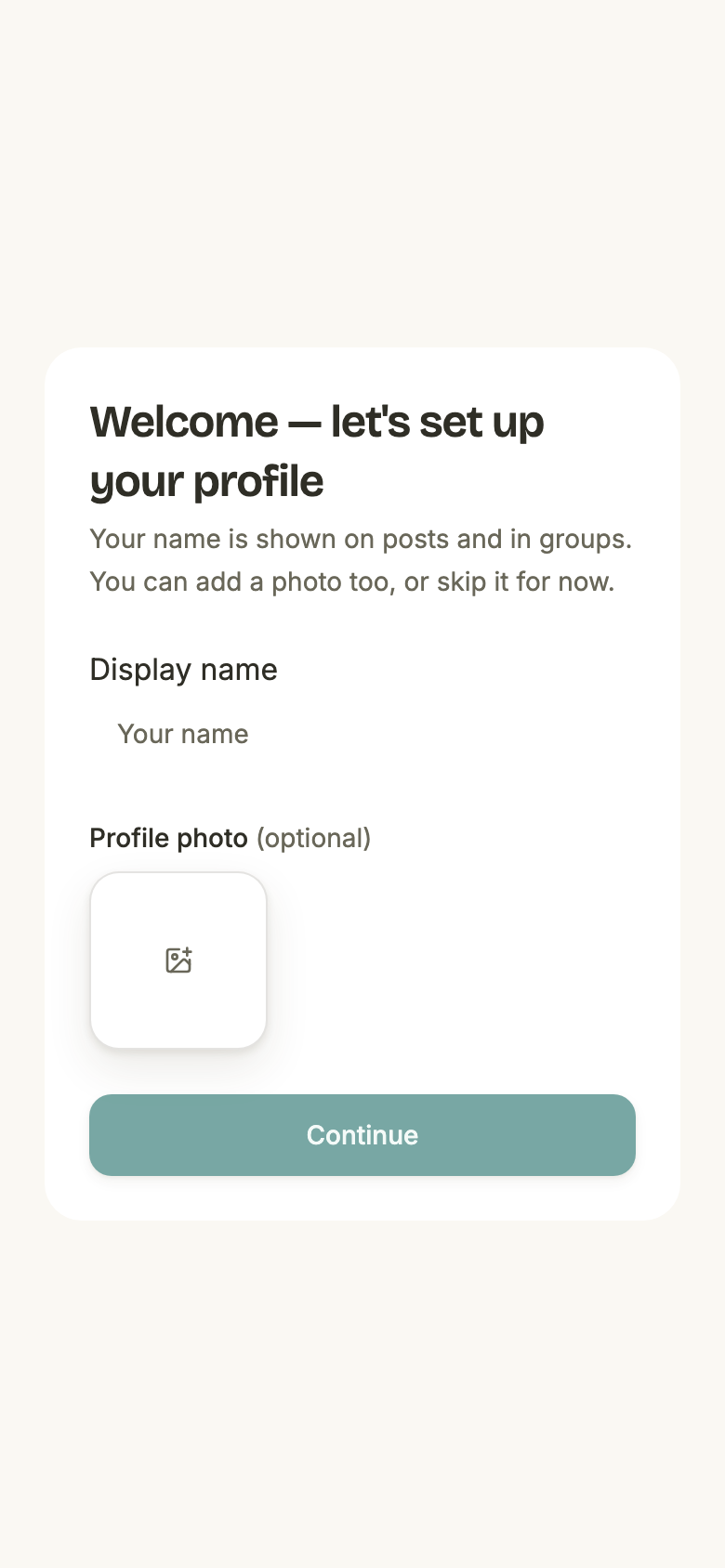
- Display name
- Required. Trimmed, and between 1 and 80 characters. It is shown on your proofs and beside you in every group.
- Pre-filled with
- Whatever name the account already carries. Signing in with Google supplies one; a magic-link signup does not, so that field starts empty.
- Profile photo
- Optional, and one image. It uploads as soon as you pick it, before you submit.
- Your timezone
- Never asked for. The browser’s own timezone is read and sent with the form; an account whose browser did not say is stored as UTC.
- Anything else
- No. Email is already known, and there is no password to choose.
Continue turns on when the name does
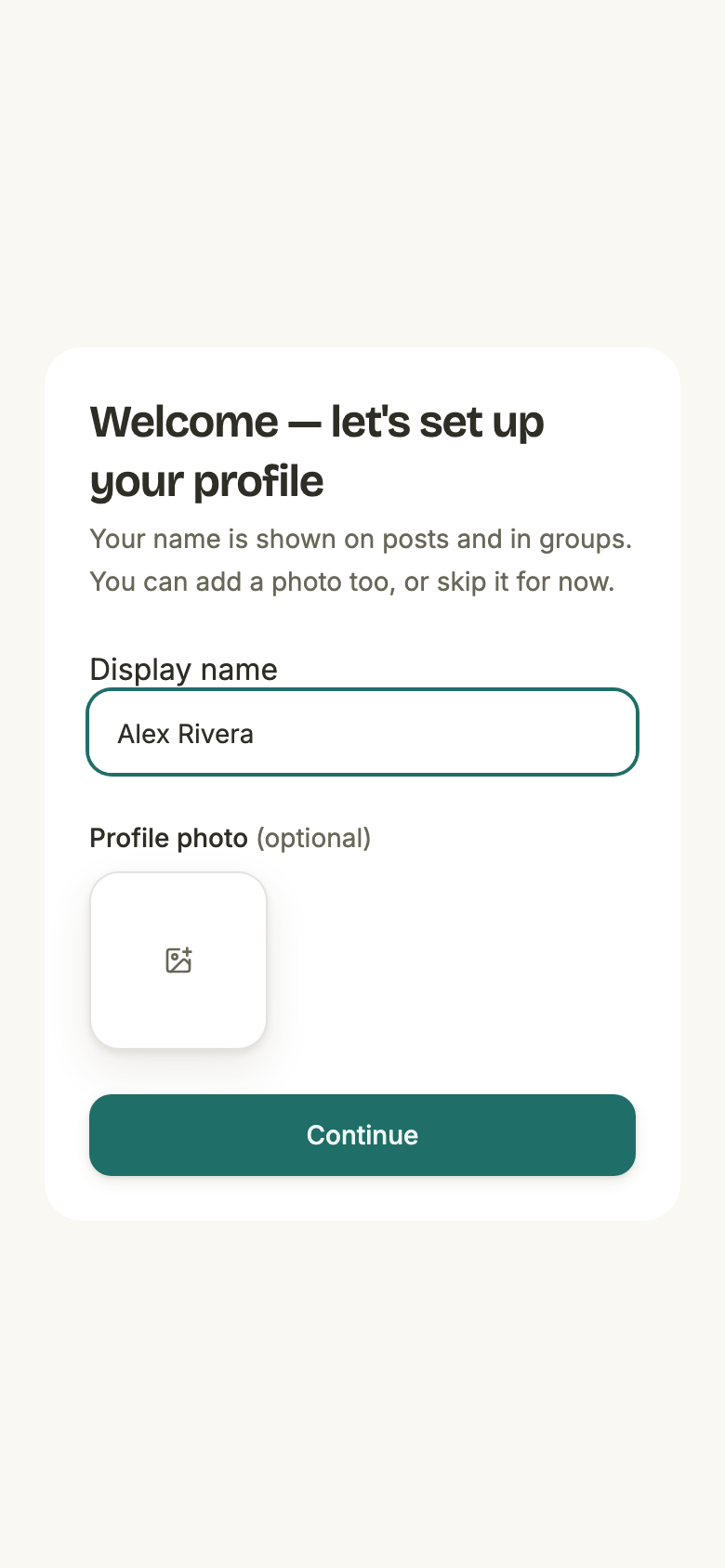
The button is refused, not the submission — there is no error to read, because there is nothing to press. Four things hold it off, and any one of them is enough:
- The name is empty, or is only spaces, or is longer than 80 characters once trimmed.
- A photo is still uploading.
- A photo upload failed and its tile is still on the form. Remove it and Continue comes back — a failed photo blocks the form rather than being silently dropped from it.
- The form is already saving, so a second press cannot double-submit.
What Continue writes
One transaction, so it either all lands or none of it does:
- Your display name
- Trimmed, exactly as the field shows it.
- Your photo
- Attached to your account. Skipping leaves it unset.
- The provider avatar
- Cleared. See below — this is the one surprise in the whole flow.
- Your timezone
- The browser’s, or UTC if it arrived without one. Every “today” the app draws for you is measured against it from here on.
- The moment you finished
- This is the stamp the guard reads. Writing it is what stops the bouncing.
Where you land
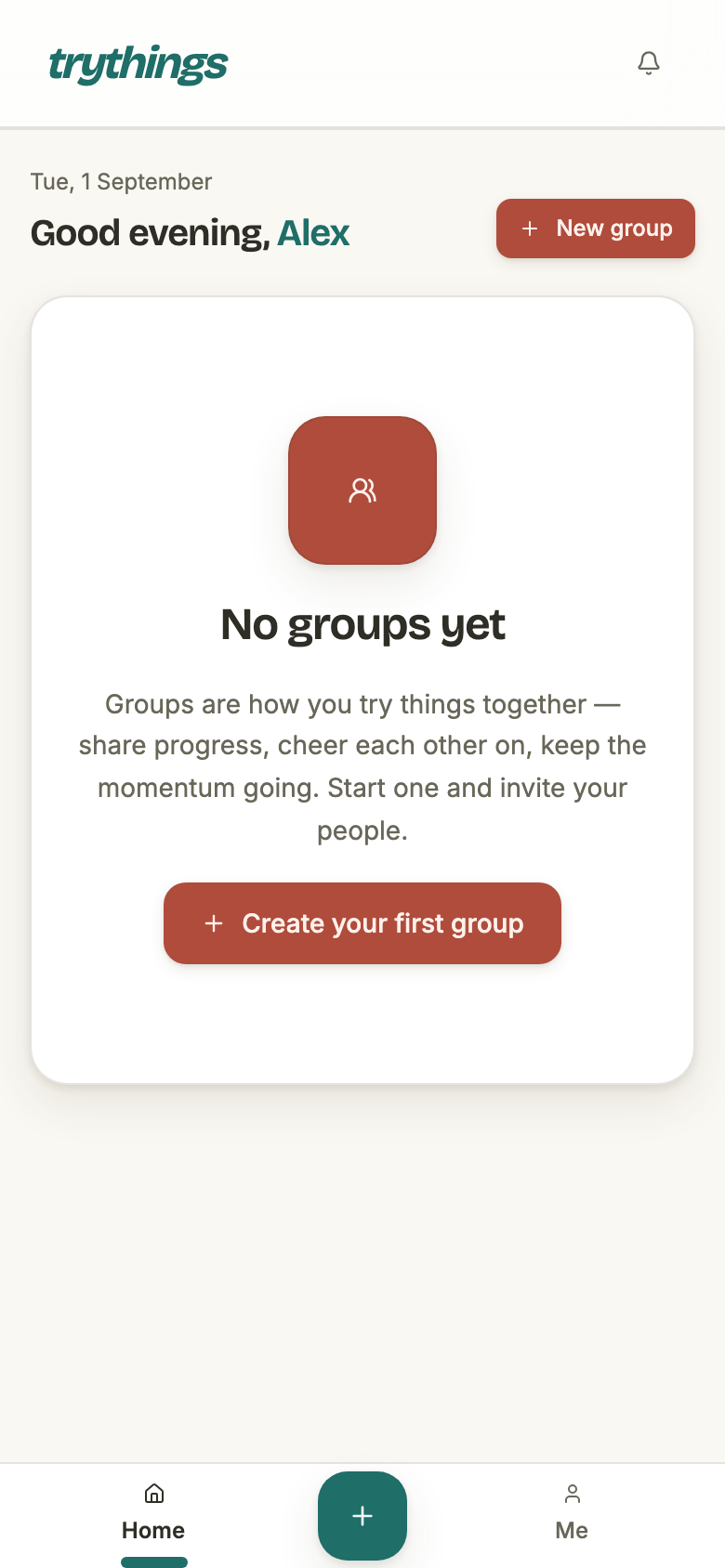
- By default
- The dashboard.
- If you were bounced here
- Back to the page you were originally opening — a group, a proof, an invite link. The address travelled with you.
- If that address is not an internal one
- The dashboard. Anything that is not a plain same-site path is refused rather than followed, so an onboarding link cannot be used to bounce someone off the site.
- If you were heading for an admin page
- The dashboard. The admin guard sends you to onboarding without carrying the address, so that one destination is not restored.
Walking away half way
Nothing on this form is written until Continue is pressed. Closing the tab, going back, killing the app on a phone — the account stays exactly as it was, un-onboarded.
There is no draft and nowhere to resume, and that is not a gap: the form is one screen, so "where you left off" and "the start" are the same place. What the next visit looks like:
- You are put back on it by the first page you open that needs an account — and the address remembered is that new page, not the one you were on the first time.
- The fields are empty again. The name is re-read from the account, so a magic-link signup gets a blank field a second time. Anything typed and not submitted is gone.
- A photo that had finished uploading is not attached to you, because attaching is part of the submission. It is left as an upload that never became anything, and a daily sweep reclaims those once they are a day old.
It runs once
Two separate refusals make that true, rather than one:
- The page cannot be re-opened. An onboarded member who types
/onboardingis redirected to the dashboard. - The endpoint refuses a second submission with "Onboarding already complete". A tab left open on the form overnight cannot re-run it and overwrite the name and photo set since.
Both of those are answered by the same stored moment. Changing the display name or the photo afterwards is Profile's job, and it does not go back through this form — which is also why the two do not agree on length: onboarding stops a name at 80 characters, and the edit in Profile allows 100.