Getting in
Accounts & sign-in
There is no password anywhere in trythings. A member signs in with a link mailed to their address, or — on the phone apps only — with Google. This is what each one does, and what the app is actually holding on to afterwards.
At a glance
- Two ways in. A magic link by email, everywhere. Google, on iOS and Android only — the web sign-in screen does not offer it.
- No password is ever set, stored or asked for. There is no sign-up form either: the first magic link to a new address creates the account.
- Two ways a session is carried. A cookie in the browser, a bearer token in the phone apps. They are the same sessions on the same server; only the transport differs, and both are live at once.
- The sign-in email is not one of the app's emails. Better Auth sends it through a template held in SendGrid, not through the renderer the five notification emails use.
The magic link
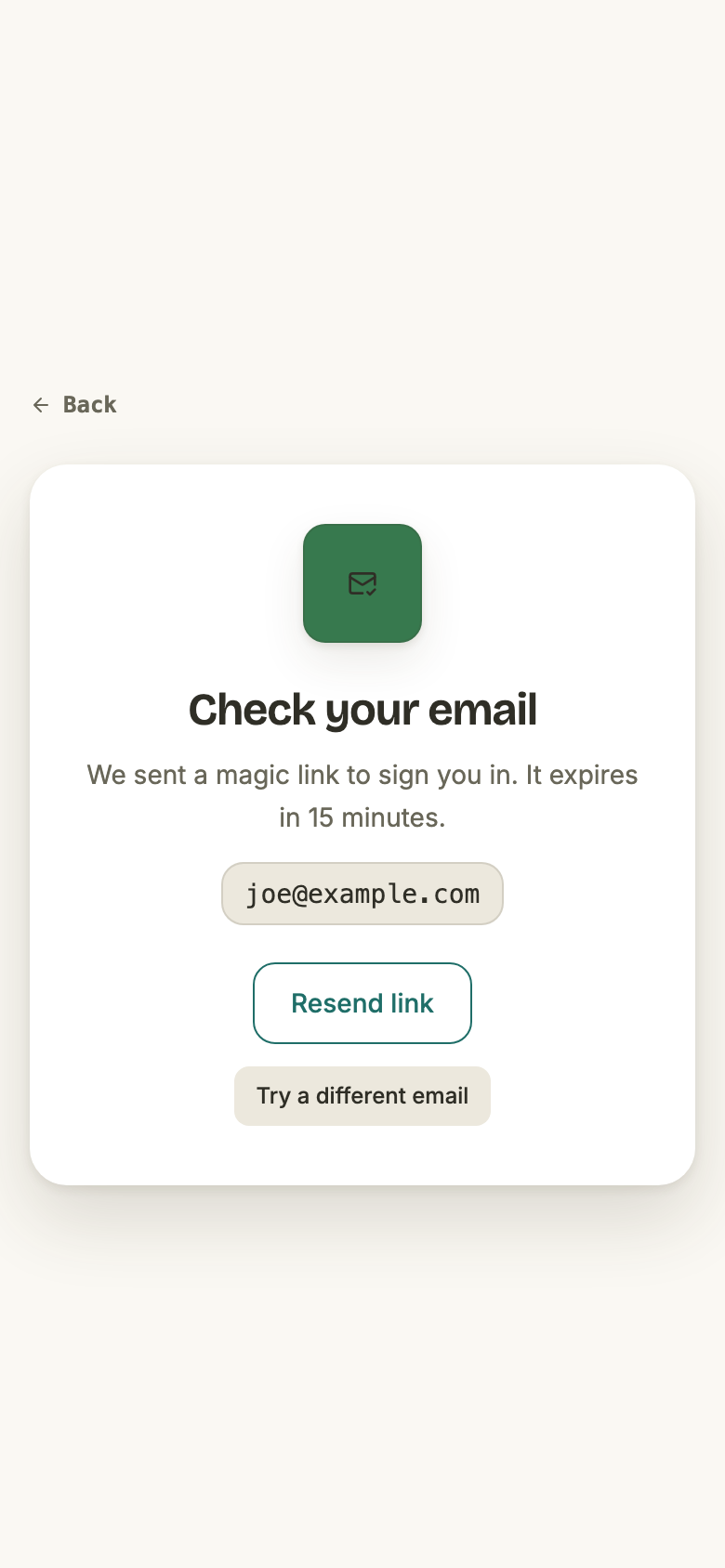
A member types an address and asks for a link. Nothing about them is checked first — an address with no account behind it is not an error, it is a sign-up.
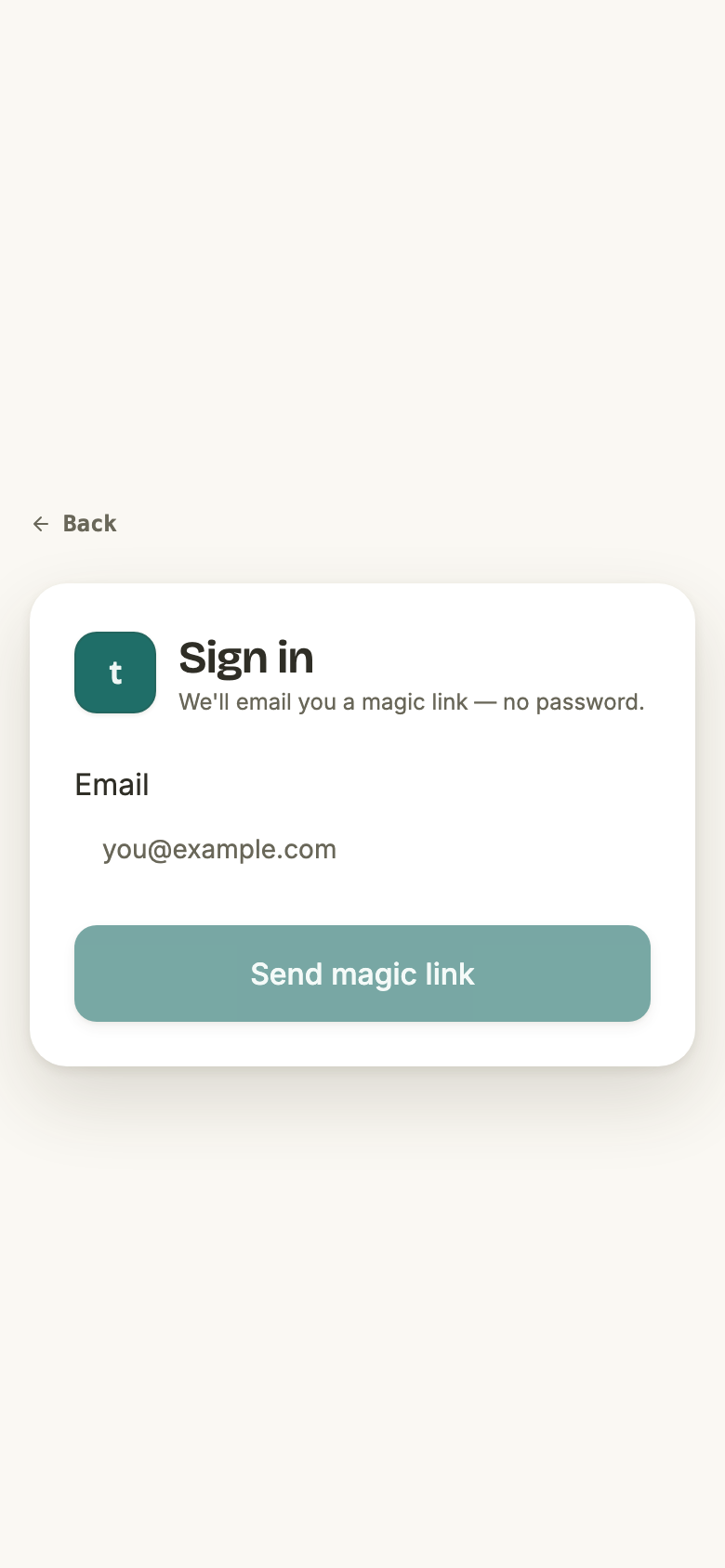
The request creates a single-use token and mails it as a link back to this app. Opening that link is the sign-in: the server checks the token, creates the session, and redirects to wherever the member was originally headed.
- The token
- A 32-character random string, generated per request and stored as-is against the email address it was issued for.
- How long it lasts
- Five minutes. Better Auth’s default, which the app does not override.
- How many times
- Once. The attempt is counted before the session is made, so a second open of the same link is refused and the token is thrown away.
- A new address
- Gets an account, created at the moment the link is opened rather than when it was requested. The address is marked verified — opening the link is the proof.
- Where it lands
- The page the member was trying to reach, or the dashboard. Only same-origin paths survive the check; anything else falls back to the dashboard.
- Except a brand-new account
- Which goes to onboarding first, whatever the link was carrying. Nobody reaches the app on their first link without answering it.
- Asking again
- Allowed, and it issues a fresh token. The earlier link is not cancelled — it keeps working until its own five minutes are up.
The email that carries it
This is the one email the app sends that it does not render. Better Auth owns the sending path, and the app's part is four lines: hand SendGrid a template ID, one variable — the link — and the from-address.
- The copy lives in SendGrid, not in this repository. Changing the wording of the sign-in email is a dashboard change. The five notification emails are the opposite: their copy and their chrome are both in the code.
- Click tracking is switched off, deliberately. SendGrid would otherwise rewrite the link to run through
ct.sendgrid.net. The phone apps claim links ontrythings.appand nothing else, so a rewritten link opens a browser instead of the app — the member taps the link on their phone and ends up signed in somewhere they were not trying to be. - It is transactional, not a notification. A member who has turned email notifications off still gets their sign-in link.
The other side of that — why it has no screenshot in the email guide, and what it shares with the notification emails — is in the sign-in link section of Email notifications .
Google sign-in exists on the phone apps only. The web sign-in screen decides whether to show the button by asking whether it is running inside a native shell, so a browser never sees it — the screenshots above are the whole of the web sign-in screen.
On a phone it is the native Google sheet, not a web redirect. The sheet returns an ID token, the app hands that token to the server, and the server accepts it only if it was issued for this app's Google client. There is no browser hop and no callback URL in the flow.
- Where
- iOS and Android only. The button is not rendered on the web.
- What crosses the wire
- A Google ID token, and nothing else. The app never sees a Google password.
- What the server checks
- That Google signed the token, that it was issued for this app’s own Google client, and that it is less than an hour old. A token minted for some other app is refused.
- Same account?
- Yes, when the address matches and Google reports it as verified: the two are joined onto one account. Someone who first signed in by magic link can later use Google, and the other way round.
- If it fails
- The message comes back onto the sign-in screen and the magic link is still there. Google is never the only way in.
What a session is
Both ways in end at the same place: a session row on the server. What differs is how the member's device proves it holds that session.
On the web — a cookie
- Not readable by JavaScript. The cookie is
httpOnly, so no script on the page — the app's own included — can read the session out of the browser. - Sent only on same-site navigations (
SameSite=Lax). That is what stops another site making an authenticated request as the member, and it is load-bearing rather than incidental. - HTTPS-only wherever the app is served over HTTPS — which is production and the local dev domain both.
On iOS and Android — a bearer token
- The token comes back on the sign-in response in a header, and the app stores it in the Keychain on iOS and in encrypted preferences on Android. It is never written to ordinary app storage.
- Every request carries it in the
Authorizationheader, and native requests deliberately send no cookies at all. - A rejected token is dropped immediately. A 401 from any request clears the stored token, so a session revoked on the server does not linger on the phone.
- If the Keychain write fails, the member stays signed in for that run and starts signed out next launch. A storage failure is never a crash.
Staying signed in, and getting out
- How long a session lasts
- Seven days from when it was created.
- Does using the app extend it?
- Yes. A session more than a day old is pushed back out to a full seven days the next time it is used, so a member who opens the app weekly never gets logged out.
- Signing out
- Profile → Log out. The server drops the session, the phone apps erase the stored token first, and the app then does a hard reload onto the sign-in screen rather than a soft navigation.
- Visiting the sign-in screen while signed in
- Sends the member to the dashboard. That is also why every screenshot on this page had to be taken with nobody signed in.
- Visiting anything else while signed out
- Sends the member to the sign-in screen, carrying where they were headed so the link drops them back there.
Signing in also repairs an account whose permissions never landed. The very first thing that happens to a brand-new account is that its default role is written; if that write failed once, the account would be stranded without one forever. So it is re-attempted on every single sign-in, harmlessly when there is nothing to fix — and if the repair itself fails, it is logged and the sign-in continues. Nobody is ever locked out by a repair.
When a link doesn't work
An expired link, an already-used link, and a link for a token the server has never heard of are one case as far as the server is concerned. What the member is told about it depends entirely on which app they are holding.
On the phone apps — the reason, and which reason
The apps take the tapped link themselves, and they distinguish two failures that look identical from the outside:
- "That sign-in link didn't work — it may have expired. Request a new one." The server answered, and its answer was no. The link is spent.
- "We couldn't reach the server to finish signing you in." No answer arrived at all. The link may well be fine, and telling the member it expired would send them round the request loop for nothing.
Telling those apart takes real work, because a rejected token is not an error the app can catch: the server answers a bad link with a redirect to an ordinary page, which succeeds. So the app does not trust the verify call at all — after it, it asks the server outright whether a session now exists, and only that answer counts as having signed in.
In a browser — nothing
The web never sees any of that. A dead link opens in the browser, the server bounces it to whichever page the link was carrying a member back to with the reason stapled to the URL, and that page — being behind the sign-in guard — bounces them to the sign-in screen. The screen that greets them is the empty form at the top of this page: no message, no explanation, nothing to say the link is the thing that failed.
How often a member can try
Every sign-in path is rate-limited per IP address, and the tight limits are on the two that matter:
- Five magic-link requests a minute. Resend, resend, resend — the sixth inside a minute is refused.
- Five link openings a minute, which is what stops a token being guessed at rather than received.
- Three Google sign-ins every ten seconds — Better Auth's own default for a sign-in route the app has not given a rule of its own.
- A hundred requests a minute is the app's own ceiling for the rest of the auth path — though Better Auth's defaults are tighter still on the routes it considers sensitive, and the app leaves those alone.
A refused request comes back as "Too many requests. Please try again later.", with the seconds remaining in a header. The app also carries rules for signing in and signing up with a password. Those rules are enforced like any other; it is the endpoints beneath them that are switched off, there being no password in the product.
For operators
Sign-in needs SendGrid. No API key, no from-address, no template ID means no links go out and nobody can sign in — the same credentials the notification emails use.
There is a development bypass. A local or CI stack can turn on a door that signs a member in without an email round trip; the end-to-end suite runs on it, and so does the screenshot harness for every guide page that shows a signed-in screen. The door itself is refused twice over: it answers 404 unless the server is a development build and the bypass is switched on in configuration, so a production build cannot open it however the flag is set.
It is not a shortcut around the real flow. It asks for a real magic link, catches the URL on its way to the mailer, and opens it through the same verification path a tapped link takes — no cookie is fabricated.