Groups & seasons
Invites & join requests
A group is closed. The only way into one is a link somebody inside it made, and a request an admin answers. This is that whole path — minting the link, what happens when it is opened, and the queue on the other side.
At a glance
- Any member can mint an invite link — the app only offers the button to admins.
- A link lives 24 hours, and can be revoked before that. There is no other length.
- Opening one joins nothing. It creates a request that an admin has to answer.
- Every admin is told, and any one of them can decide. The first decision is the last.
- Approving writes the membership. Declining writes nothing — and the person is free to ask again.
Making a link
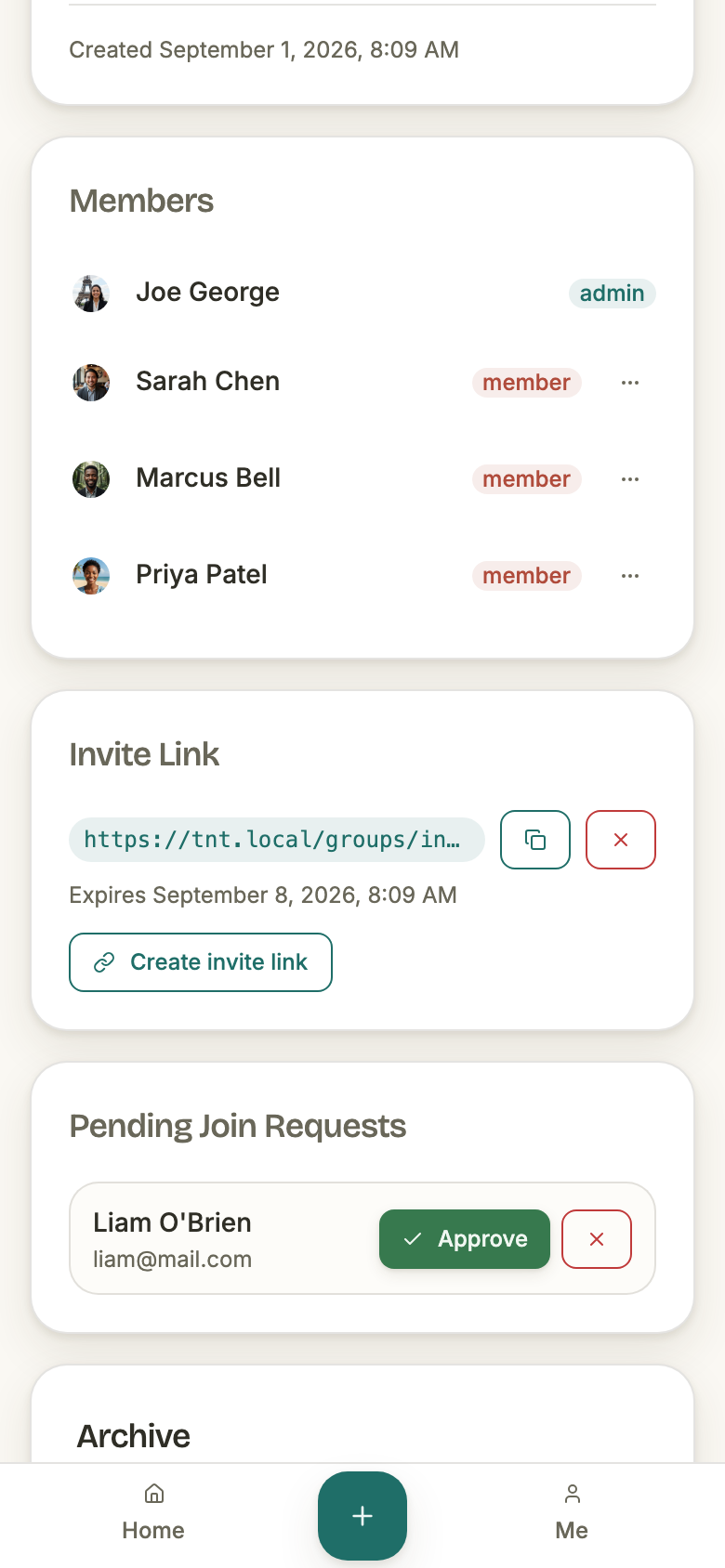
Every invite is a row of its own, carrying a random token, the group, who made it, and when it stops working. There is no group-wide "invite link" to rotate: pressing the button again mints a second one, and both stay live until they expire or are revoked.
- Who can make one
- Any member of the group. The check on the endpoint is membership, not admin — but the only two places the app offers the button are admin-only, so in practice an admin makes them.
- How long it lasts
- 24 hours from the moment it is made. Fixed — there is no longer, shorter, or never-expires option.
- What the link is
- /groups/invite/<token>, where the token is a random UUID. It is the whole credential, so anyone holding it can ask to join.
- How many at once
- As many as you press for. Every unexpired, unrevoked one keeps working.
- Where they are listed
- Group settings, admins only. The card shows the live ones — a link that has expired or been revoked drops off it while its row stays in the database.
Opening a link
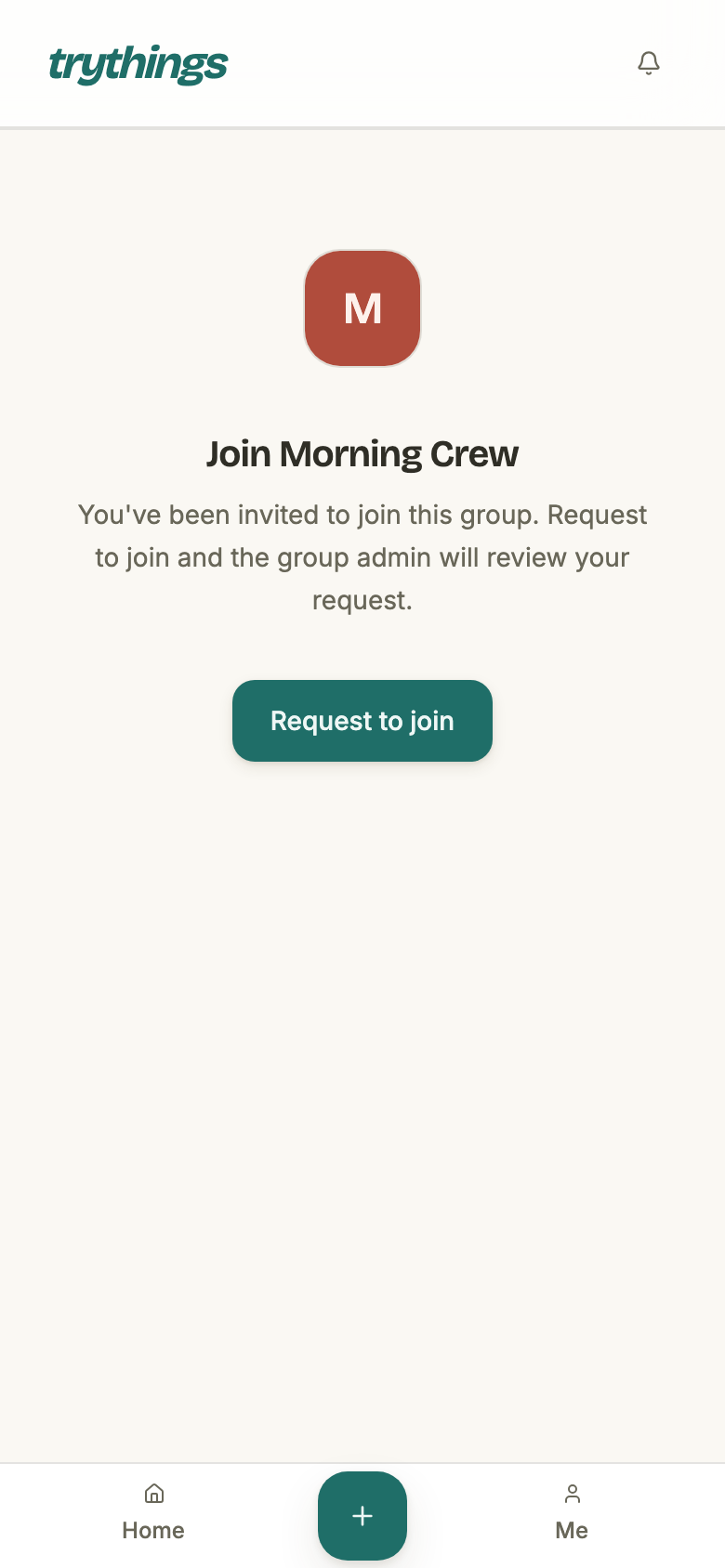
The invite page needs a signed-in account, so a stranger's first stop is the sign-in screen. The link they were sent is carried through it: sign in — or sign up, and finish onboarding — and the app returns to the invite rather than dropping them on a dashboard for a group they are not in yet.
What loads then is the group's name and photo, and one button. Nothing has happened yet.
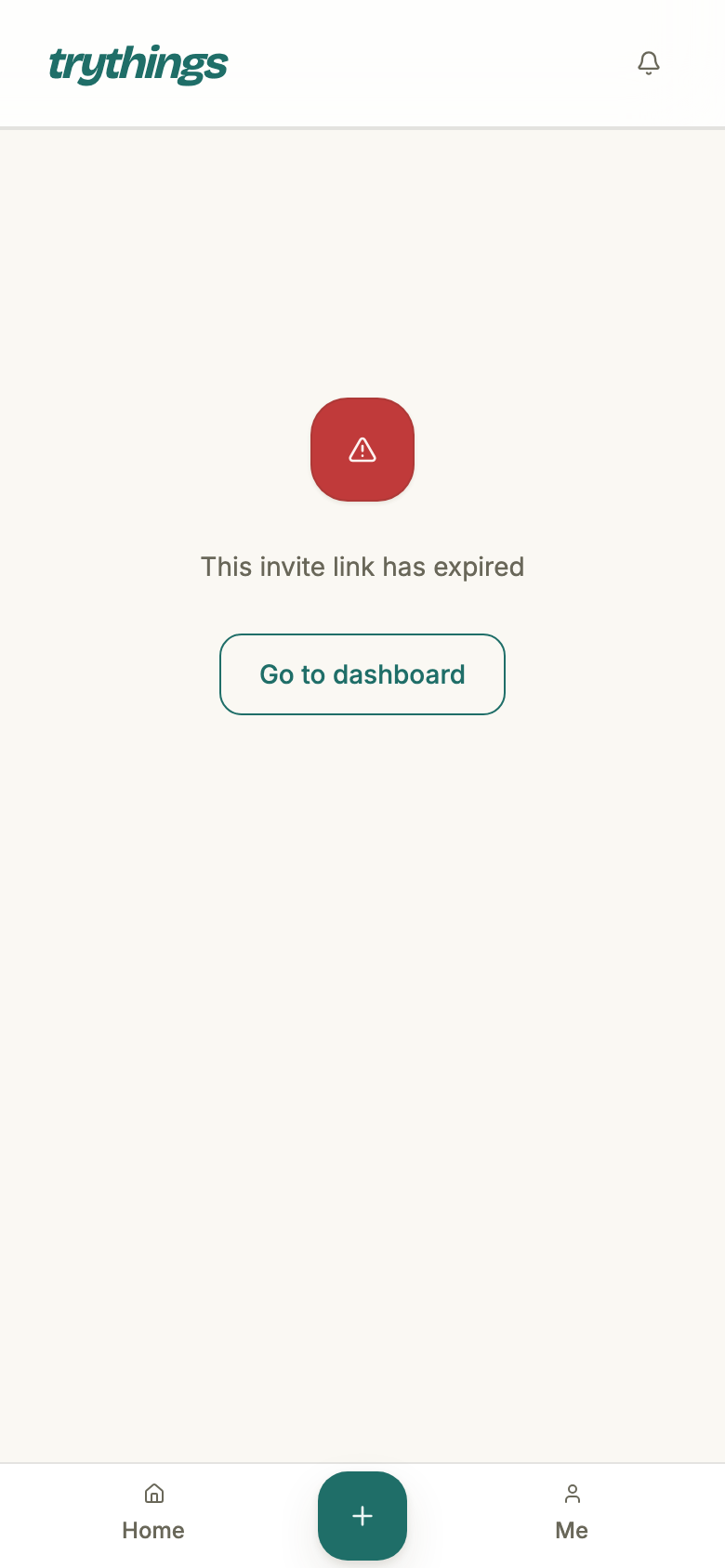
Four things can stop the page loading at all, and each says which:
- The token is unknown — a typo, or a link that was never real.
- The link was revoked — "This invite link has been revoked".
- The link expired — "This invite link has expired", any time after its 24 hours.
- The group is gone — a deleted group answers exactly like an unknown token.
Asking to join
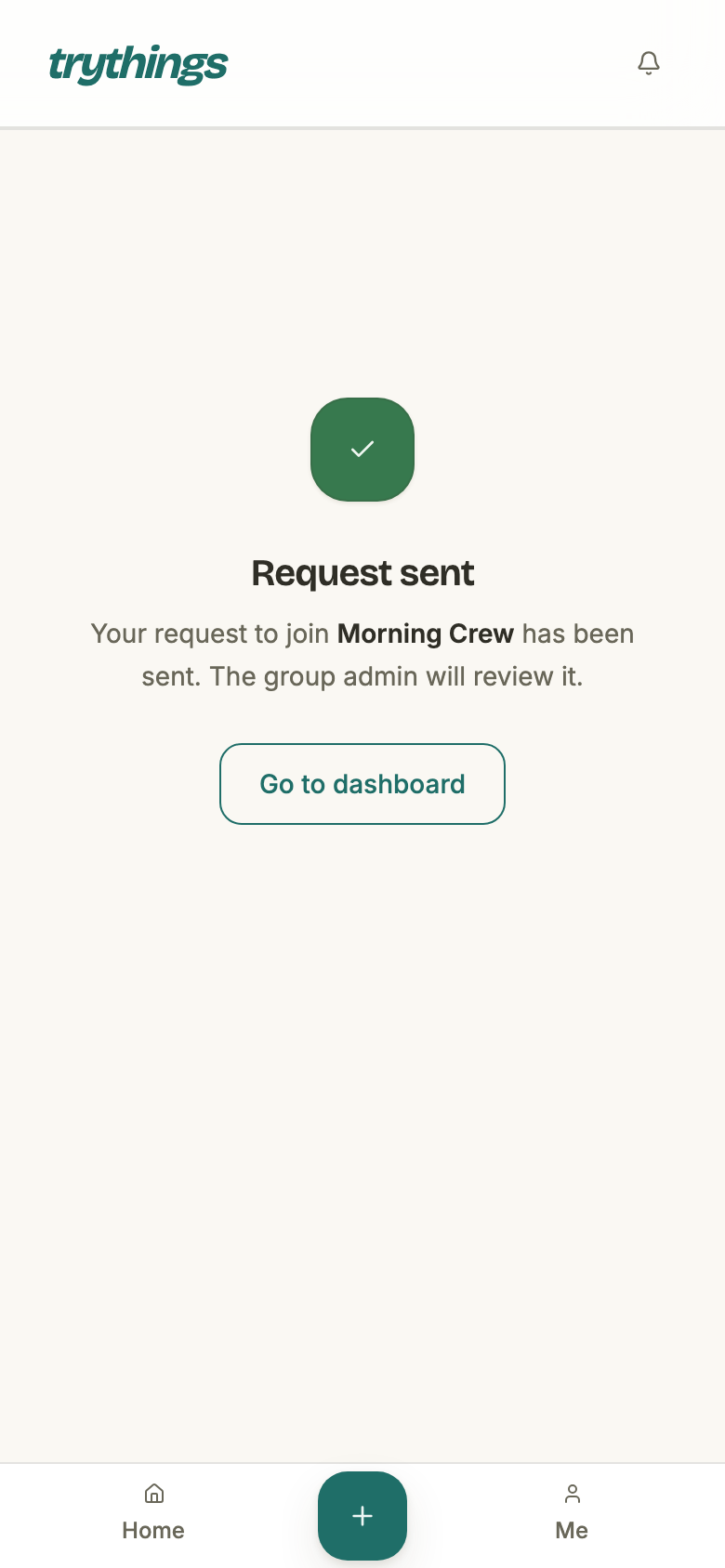
Pressing Request to join creates a join request — a pending row naming the group, the person, and the invite they came through. Not a membership. The page then says so, and stops: there is nothing more for the requester to do.
- What is written
- One pending join request, plus a bell row for every admin of the group — in the same transaction, so an admin is never left unaware of a request that exists.
- What is sent
- The join-request email, to every current admin. It goes after the request has committed and is best-effort: a mail failure never costs the requester their request.
- Which invite
- Recorded on the request. A request knows the link it arrived through, for as long as it lives.
If you are already in the group
Reading an invite never asks who is looking, so a member who opens a link to their own group sees the ordinary "Join Morning Crew" page. The refusal only arrives on the press.
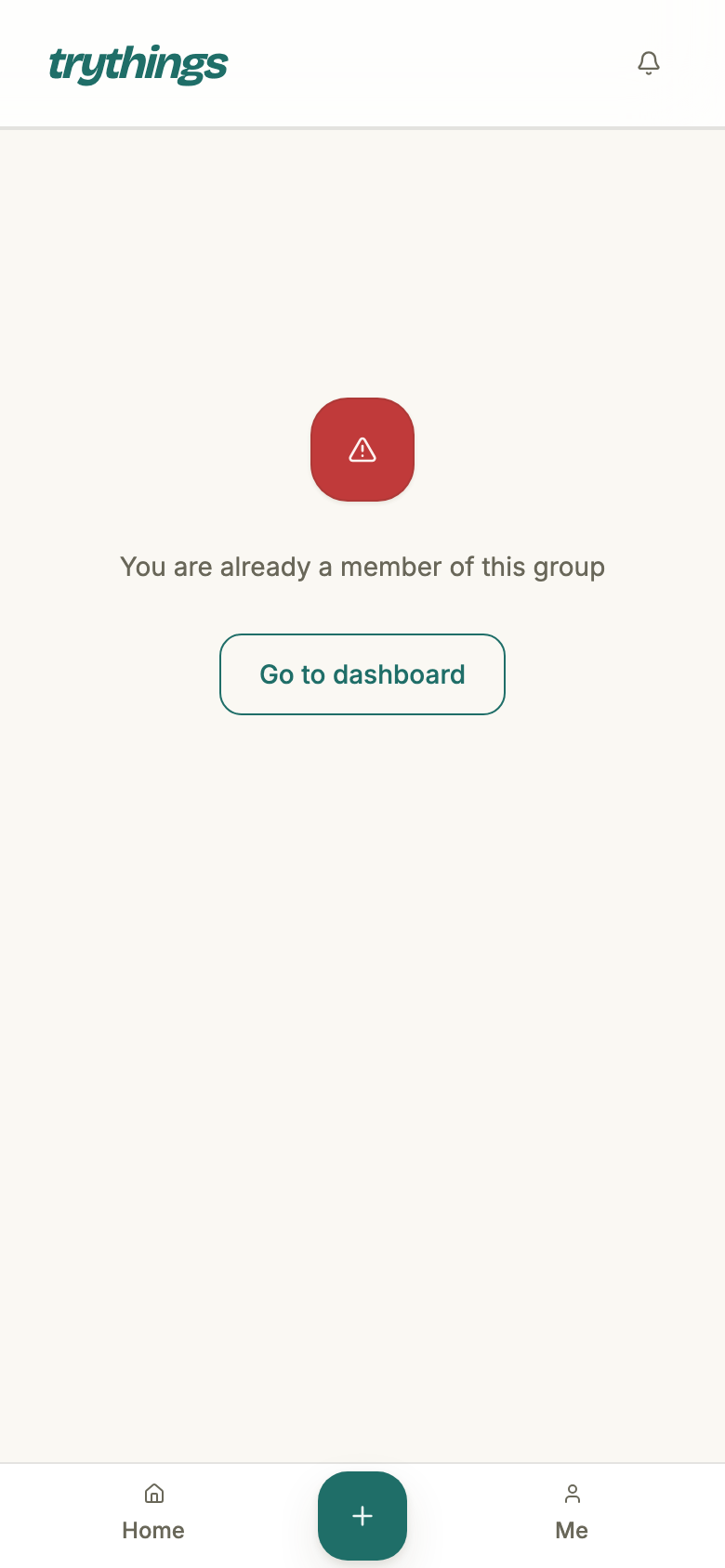
If you already asked
A second press, or a second link to the same group, is refused the same way — "You already have a pending join request for this group". One person can have at most one request waiting on any one group, so an admin's queue never fills with the same name twice.
The queue an admin works
Requests wait on the group page, at the top, above the season — an admin does not have to go looking. The same list appears in group settings. Both show every pending request, oldest first, by name and email.
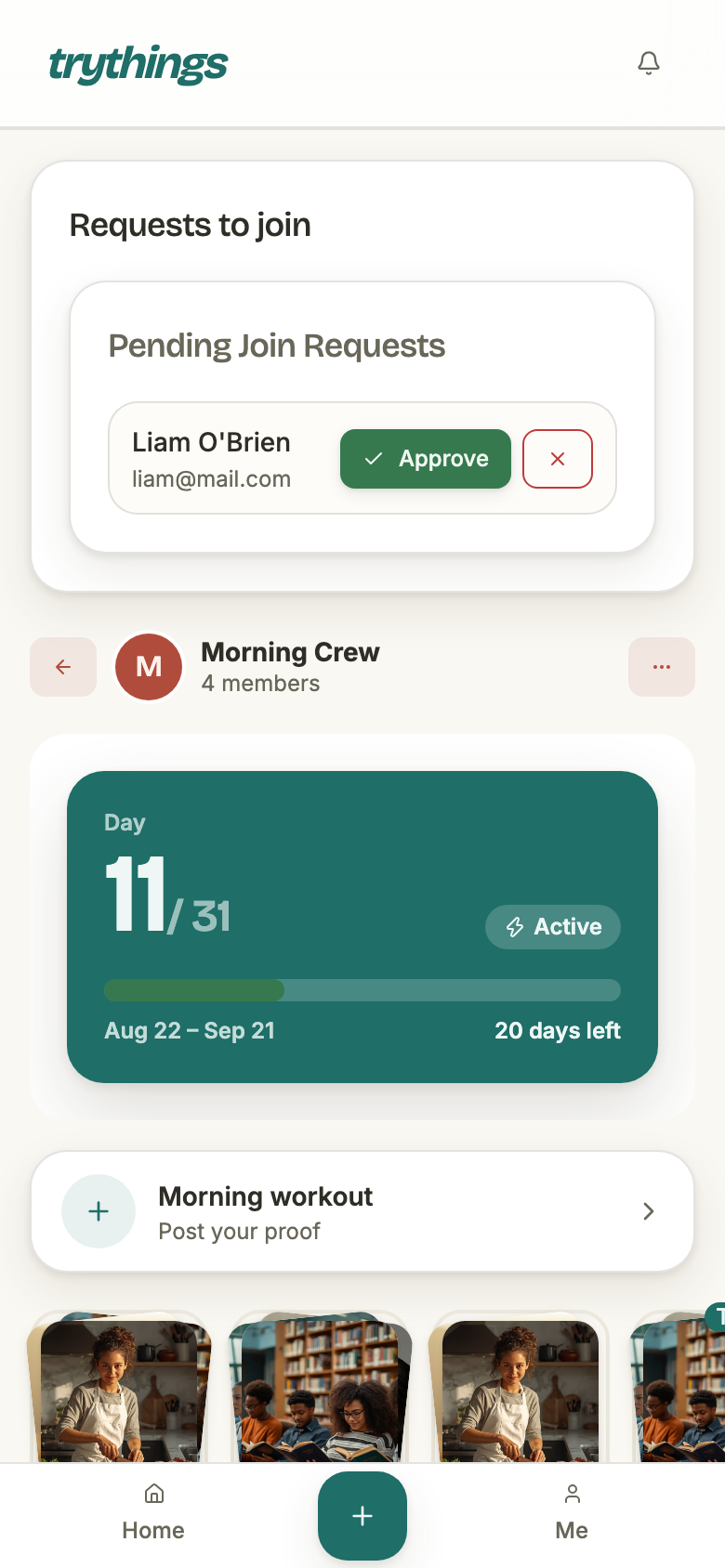
- Who can see it
- Admins of that group, and nobody else — the endpoint refuses an ordinary member, and the app does not fetch the list for one.
- What is in it
- Pending requests only, oldest first. A decided request leaves the queue and does not come back.
- Who can decide
- Any admin of the group — not only whoever made the link the person used.
- In the bell
- A pending request is an obligation rather than news, so it is held apart from ordinary notifications. That status is read live, so answering a request anywhere clears the bell row at once.
Approving
Approve flips the request, writes the membership at the ordinary member role, and tells the requester — all three in one transaction. That membership row is the only thing approving creates: everything else a new member ends up with, they do for themselves.
- What lands
- The request goes to approved with the deciding admin and the moment stamped on it; a group membership row is written at member role; a bell row goes to the requester.
- All or nothing
- One transaction, on purpose. A half-commit would leave the request approved with no membership behind it — and the already-decided guard would then refuse every retry, locking the person out for good.
- Pressing twice
- Refused — “This request has already been processed”. That covers a second admin arriving a moment later as much as a double tap.
- What is sent
- The “you’re in” email to the requester, after the commit, best-effort. It names the admin who approved.
Declining
Decline is the same shape with nothing written: the request goes to declined, no membership row is ever created, and the requester is told. It leaves the queue immediately — the queue holds pending requests only — so no admin has to look at it again.
- What lands
- The request goes to declined, with the deciding admin and the moment stamped on it, plus a bell row for the requester. No membership, ever.
- Pressing twice
- Refused the same way as approve — a decision cannot be flipped afterwards, in either direction.
- What is sent
- The declined email, which deliberately does not name the admin who decided and links to the dashboard rather than the group.
- Who is told
- Only the requester. Other admins see the request disappear from the queue; nothing announces who decided.
What a declined person can do next
Ask again. A declined request is no longer pending, so the guard that blocks a duplicate does not stand in their way: opening the same link — if it is still live — makes a fresh request, and that one mails the admins like any other.
Nothing in the app tells them that. The declined email does not invite a retry and does not carry the link back. So the honest reading is this:
- A decline is not a block. There is no block list, and no cooling-off period.
- A decline is not final. It ends one request, not the person's access to the link.
- Revoking the link is what actually closes the door, and it is a separate press.
Revoking and expiry
A link stops working two ways: its 24 hours run out, or an admin revokes it. Both are per link, not per group — every other live link keeps working, so revoking is a way to kill one leaked link without shutting the door on everyone.
- Who can revoke
- Admins only. Minting is open to any member; unmaking is not.
- What it does
- Stamps the link as revoked. The row is not deleted — it stays, and so does every join request that came through it.
- Revoking twice
- Refused — “Invite already revoked”.
- Un-revoking
- Not possible. Mint a new link.
The three emails
This one flow accounts for three of the app's five notification emails. All three follow the same rules as the rest — sent after the work commits, never retried, silent for a member who has switched notification email off — and each is spelled out in full on the Email notifications page:
- Someone wants to join your group — to every admin, when a request lands.
- You're in — to the requester, on approve.
- Your request was declined — to the requester, on decline.